🎬 Create your first AI video — 10 studio-grade models, one platform •10 models · settings-based credit pricing
From finished artwork to moving image
Your drawing.
A little movement.
Animate a drawing or illustration with AI. Upload your finished artwork, choose a small movement and turn it into a five-second video.
Animate your artwork
Make the first clip useful
One image. One motion. Then review.
01 / Prepare the artwork
Export one finished composition. Flatten layers and place transparent artwork on the background you want. For paper sketches or paintings, photograph straight on with even lighting. Leave space around important details and upload an image you own or have permission to use.
02 / Ask for less
Try a steady scene, a slow push-in or a gentle breeze. Name one thing that should move and describe what should stay still. Avoid large turns or fast action in the first attempt; those require the model to invent more of the scene.
03 / Look for drift
Watch from start to finish. Check outlines, faces, hands, lettering and brush texture. If the drawing changes too much, simplify the motion instructions before deciding whether to spend credits on another version.
Original artwork → actual AI output
One illustration. One real result.
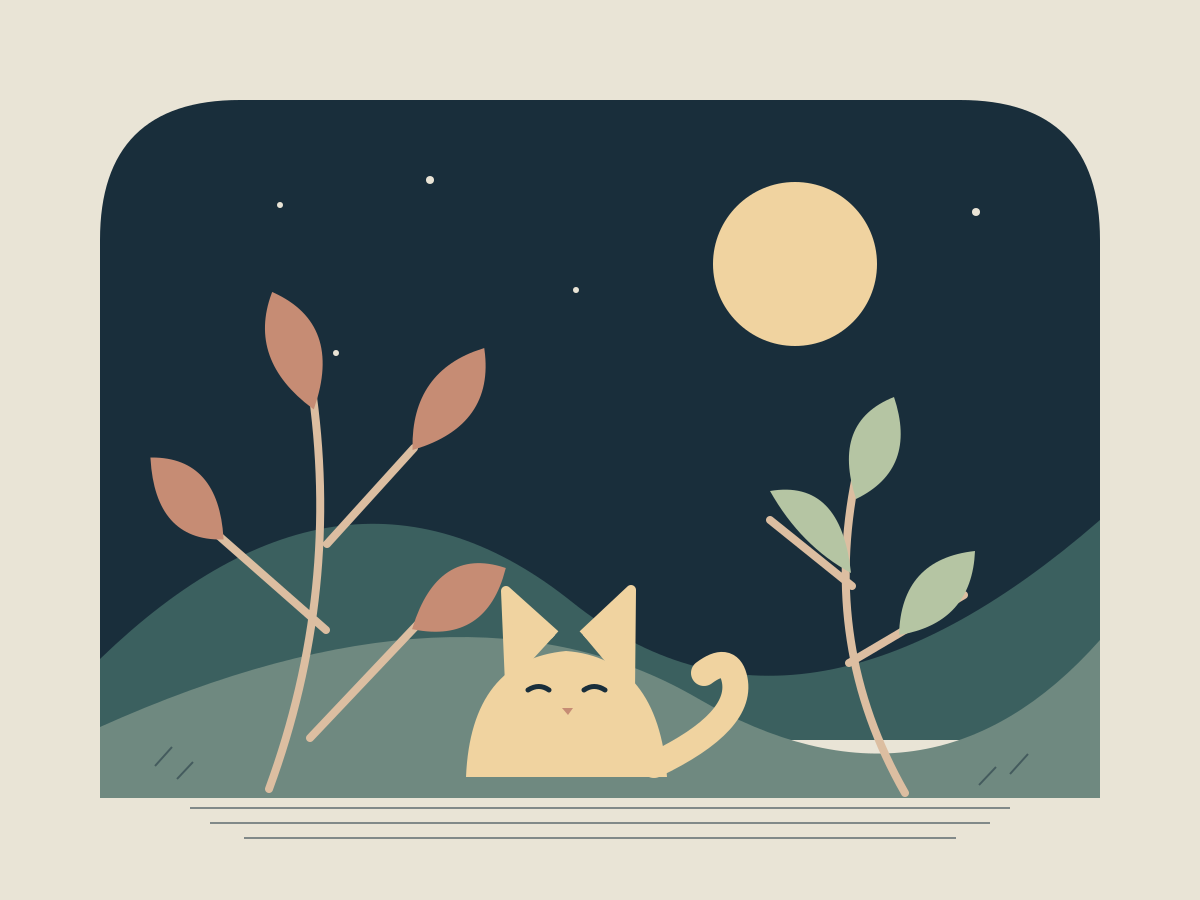
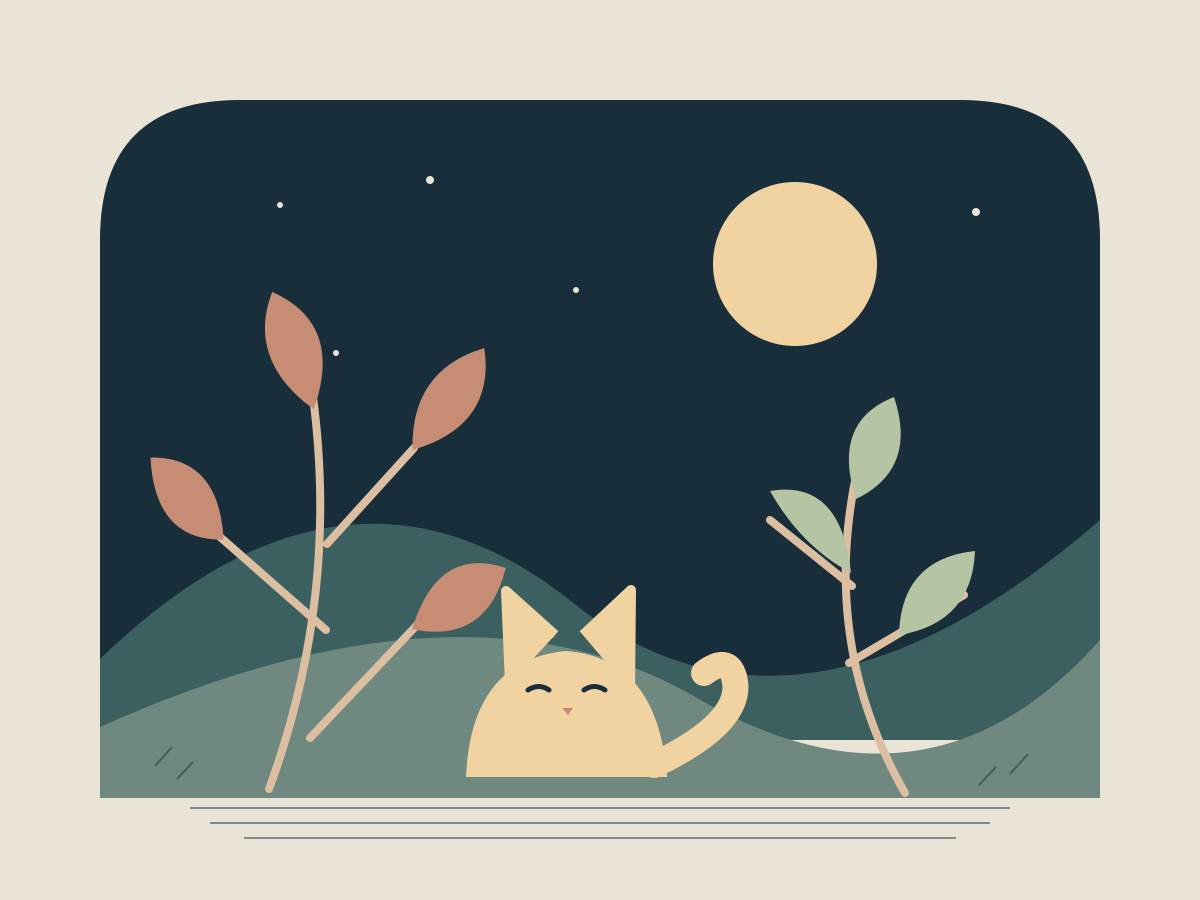
We drew this night garden for this page and animated it once on October 12, 2026. P-Video · 5 seconds · 720p requested (1088 × 832 delivered) · no audio · 1 customer credit. This single take is an example, not a promise of the same result for every drawing.
The prompt we used
Locked camera. A light breeze gently sways the tall leaves. Keep the cat and moon still. Retain the flat colors, paper-like background and illustrated linework. No new objects or cuts. One continuous five-second shot.
What changed in this take
In this silent clip, the leaves sway gently while the cat and moon remain recognizable. The flat palette and illustrated style carry through, with slight changes in shapes and positions. Watch the outlines and cat’s face: asking them to stay still does not lock them in place.
For a sketch, name the pencil lines and paper texture. For a painting, describe the brushwork and palette. These are editable instructions, not style locks. Keep your original and inspect every result before sharing.
Drawing animation questions
What does animate a drawing mean here?
Upload a finished drawing, sketch, illustration or painting as an image. AI uses it as the starting frame for a short video. This is a way to add motion to existing artwork; it does not record your drawing process or provide a frame-by-frame animation editor.
Will my illustration keep its exact style?
The model may change line weight, texture, colors, anatomy or small details as it invents motion. A clear source and restrained instructions can help guide it, but exact style or character identity is not guaranteed. Compare the entire clip with your original before sharing.
Is drawing animation free?
You can upload artwork and edit the motion instructions before buying credits. Generating a video uses the number of credits shown in the form. Each retry or variation is a separate generation. Credits are sold in packs, and the dollar value per credit depends on the pack.
Can I animate only one part of a painting?
You can describe the part you want to move, such as existing leaves or fabric. This workflow does not offer masks or pixel-level motion control, so other parts of the artwork may also change. Use an editor when you need exact control over individual layers.
What happens after sign-in or buying credits?
When browser storage is available, your artwork and instructions stay in this tab for up to 24 hours. Return to this page, review the settings and choose Create Video. Returning from checkout does not automatically generate or spend credits. If storage is unavailable, sign in first and select your artwork again.
Can I download the animation?
Completed clips can be downloaded as MP4 files and found in My Videos while signed in. Add captions, music or a longer sequence in your usual video editor. The drawing workflow creates one five-second clip without audio.