🎬 Create your first AI video — 10 studio-grade models, one platform •10 models · settings-based credit pricing
Image to video AI
Your photo.
A little movement.
Animate a photo or illustration into a short clip. Upload an image, describe the motion and review the price.
Start with P-Video: 5 seconds · 720p · no audio · 1 credit ($0.40–$0.66 in purchased pack value). A credit pack is required to generate. Uploading and editing are uncharged.
PNG, JPEG or WebP · up to 10 MB · MP4 output
A light breeze through an original illustration
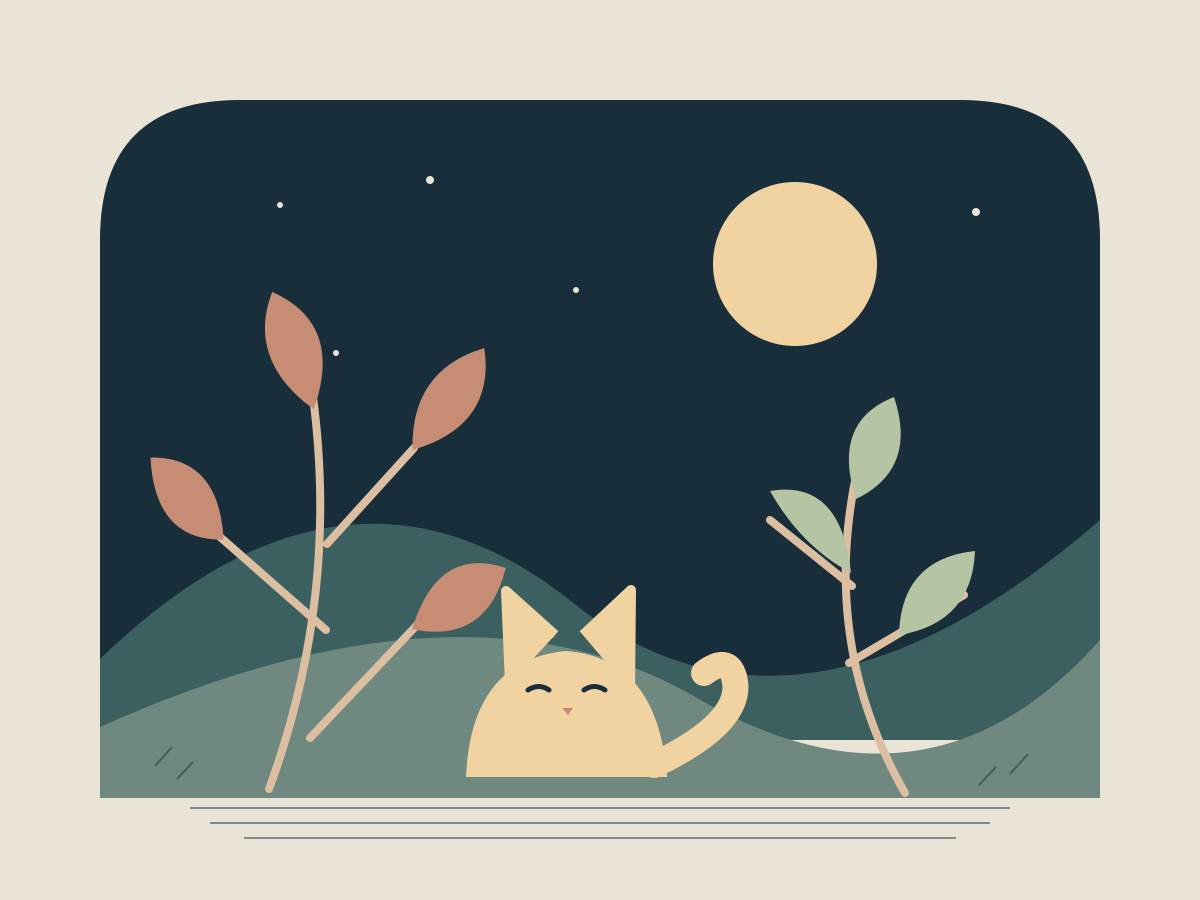
October 12, 2026 · P-Video · 5 seconds · 720p requested, 1088 × 832 delivered · no audio
One actual take on our own artwork. The leaves sway gently; the palette carries through with slight changes in shapes and positions. The cat and moon remain recognizable, but their pixels are not locked.
See the full example and workflowOne clear source
Keep the subject visible with space around its edges. The default P-Video model follows the source image shape; prepare your crop before uploading.
One main movement
Try a slow camera push-in or gentle movement in existing leaves. Prompts guide motion; they cannot lock a face, logo or background in place.
Review, then download
Watch the entire clip before using it. Save the MP4, or try another separately priced generation. Add captions, music and cuts in your own editor.
Before you animate
Which models accept images?
Nine models are available in Customize Model & Settings. Wan is text-only and is excluded here. Controls and credit costs vary by model; the quote updates with your settings.
Will my image stay exactly the same?
No. AI may change shapes, faces, lettering or color between frames. Small movements are a useful starting instruction, not a fidelity guarantee. There is no masking, end-frame control, precise camera path or guaranteed perfect loop in this tool.
Can I return after signing in or buying credits?
Your image, prompt and settings are kept in this tab for up to 24 hours when browser storage is available. Returning does not start a generation automatically. Review your balance and click Create Video when ready.
Starting with a product or a drawing?
Use the focused product-photo workflow for vertical promotional shots, or animate finished artwork. To generate from a written scene instead, open the text-to-video generator.